
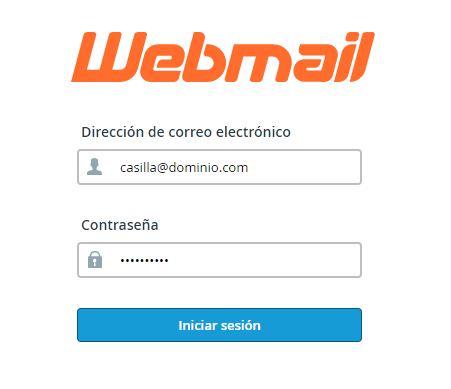
How to Change a Password from Webmail
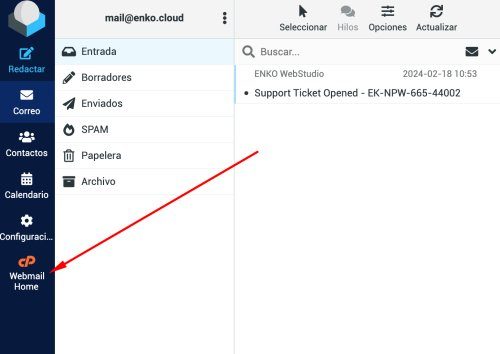
Once you have logged in with your email and password through Webmail on your domain or at enko.com.mx/webmail go to the Webmail home page as shown in the following image.
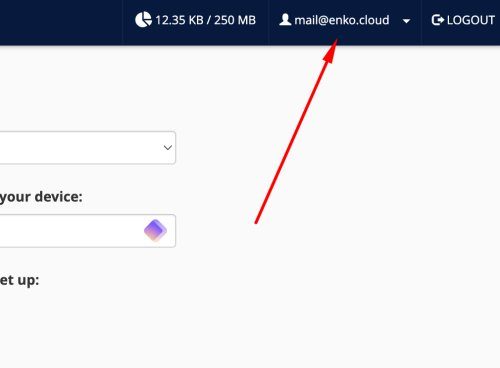
Now go to the top menu by clicking on your email address.
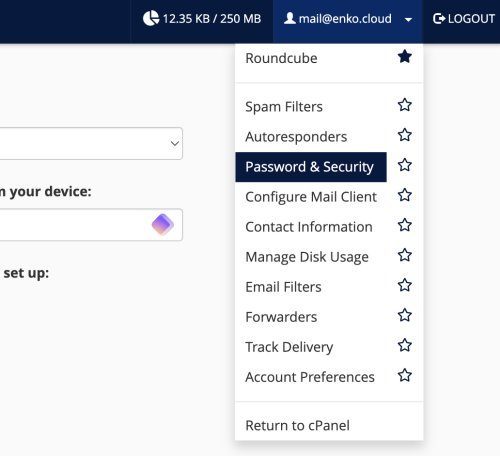
When the top menu opens, go to the PASSWORD AND SECURITY section
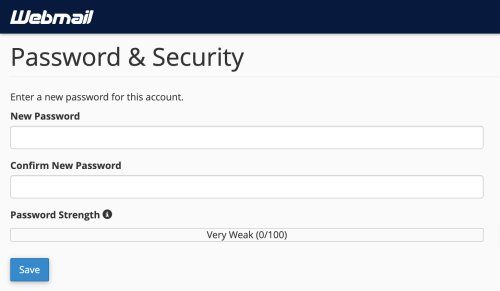
On this new screen you can create and save the new password for your email account. When you are done, just click SAVE.
 Posted by ENKO WebStudio